
Google AI Mode visual search shopping — quick lead
Google AI Mode visual search shopping just got a major update: AI Mode in Search now returns richer image-driven results and shopping experiences — including the ability to start with a photo, refine with text, see inspirational image cards, and access shoppable links directly.
The change turns Google’s multimodal experiments into a more visual, commerce-ready search experience and will affect how people discover products online.

What changed — images, visual prompts and shopping cards in AI Mode
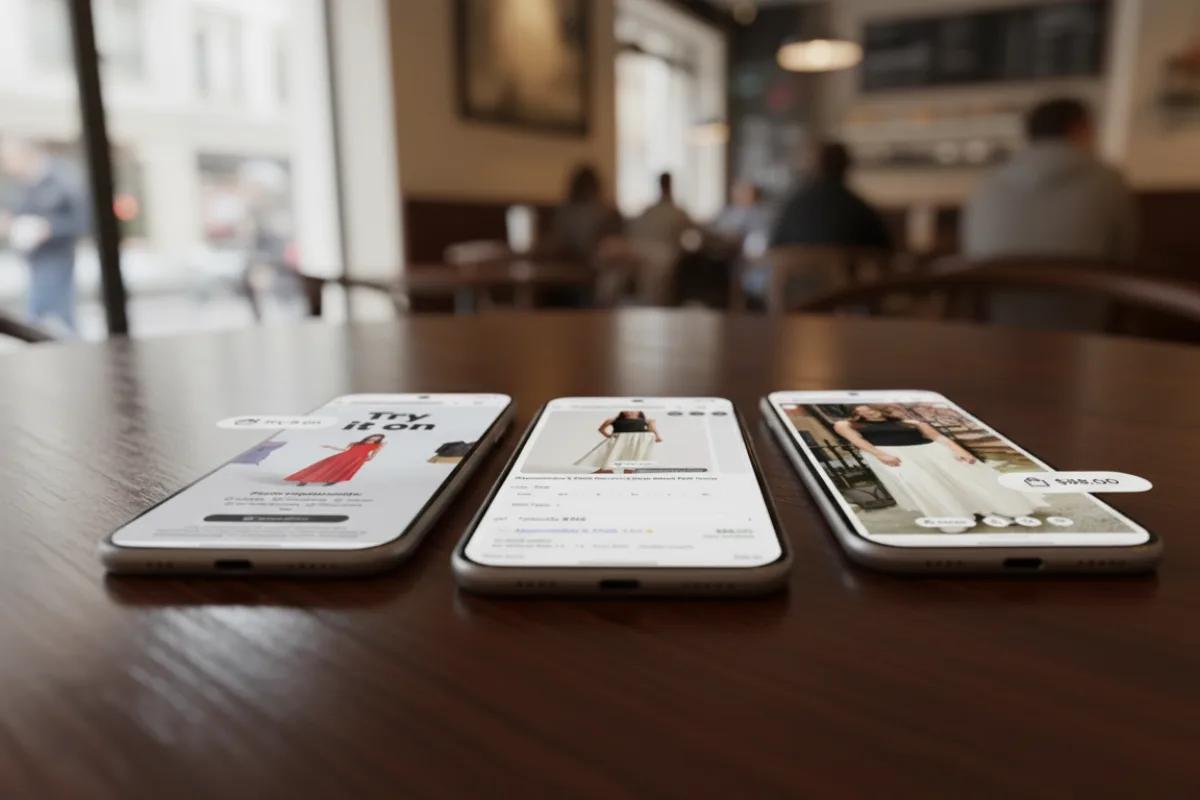
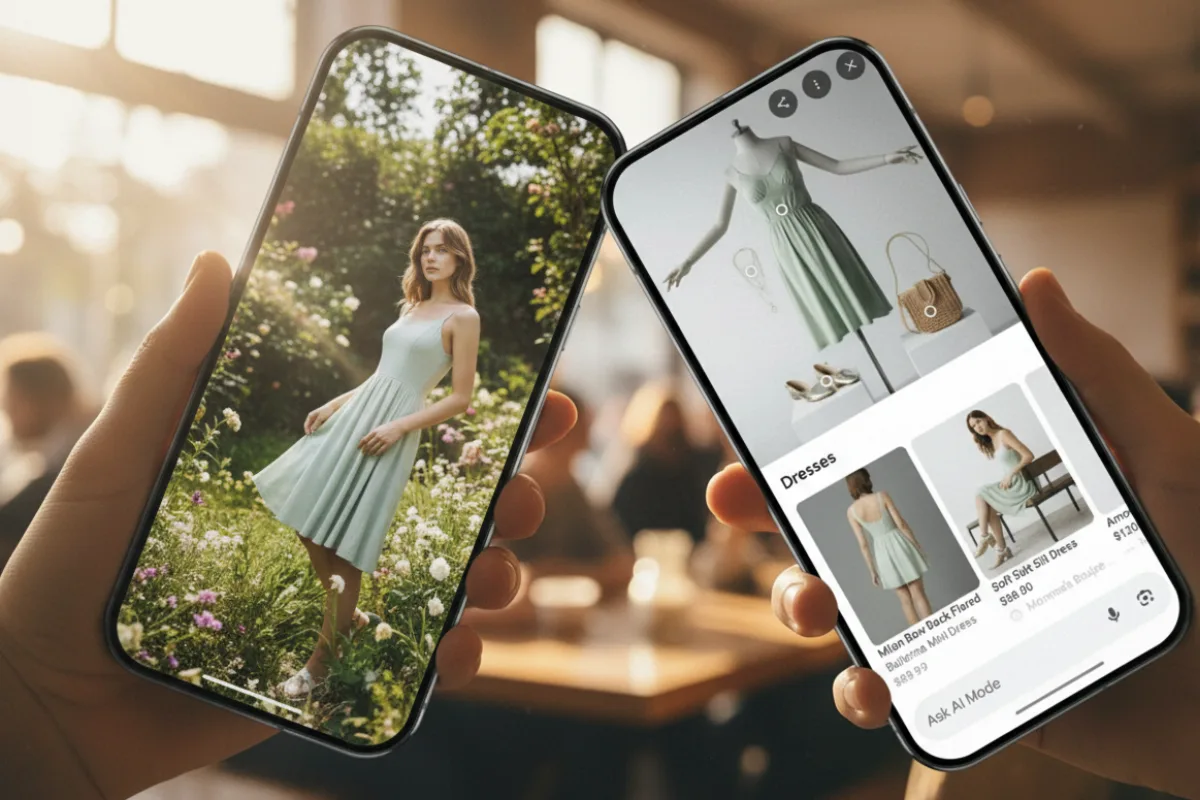
Google has expanded AI Mode to include more visual responses. Users can upload an image or point their camera, add a short text prompt, and receive a visually rich answer with multiple images, suggested alternatives, and direct shopping links.
The feature blends Google Lens, the Shopping Graph, and Gemini multimodal understanding to surface results that are both inspirational and shoppable.
How the visual shopping flow works (simple steps)

- Open the Google app and enable AI Mode (if it’s available in your region).
- Tap the camera or upload an image, or start from text and request visual ideas.
- Use follow-up prompts — e.g., “show me cheaper versions” or “make it ankle length” — to refine results.
- When shopping results appear, follow through to retailer pages or use Google’s agentic checkout where available.
Why this matters for shoppers and retailers
For shoppers, the update means a more natural way to find products: show a photo of what you like and ask the search to “find similar” or “shop this look.” For retailers and marketplaces, Google’s visual fan-out increases the chance shoppers will see product tiles in AI Mode answers — but it also raises pressure to keep product metadata accurate so listings appear correctly. Google ties these visuals into its Shopping Graph, which already indexes billions of products.
What creators and publishers should watch
- Image quality & structured data: Make sure product images are high-quality and that product schema (schema.org/Product) is up to date so AI Mode can surface accurate info.
- Shoppable metadata: Keep prices, availability, and canonical landing pages correct — AI Mode will prefer clean, trustworthy data.
- Visual inspiration content: Lifestyle and “inspiration” images (room shots, outfit grids) may get surfaced more often than plain studio shots — vary creative assets accordingly.
Limitations, privacy and accuracy — what to be careful about
AI Mode’s visual answers are rolling out gradually and currently emphasize U.S. English in many tests. Visual search may suggest products from multiple sellers; always verify pricing and seller reputation before buying.
Also, image-based searches can surface personal or sensitive items — use caution with photos that include faces or private property. Google says it will refine moderation and sourcing over time.
Quick take: should you try AI Mode’s visual shopping now?
Yes — if you’re curious and want fast visual discovery, try AI Mode on the Google app and test it with harmless product photos.
Retailers should audit product feeds and image assets right away. But treat early results like an experiment: verify product pages, monitor referral data, and watch for UI changes as Google iterates.
Frequently Asked Questions
How do I enable Google AI Mode visual search shopping?
Open the Google app, enable AI Mode (Search Generative Experience) if available in your region, then tap the camera icon to upload a photo or use a text prompt. Follow the on-screen cues to refine and shop.
Will AI Mode show prices and buy links?
Yes — AI Mode can show shoppable cards with product links and may offer Google’s agentic checkout or link to retailer pages depending on availability.
Is visual AI Mode available worldwide?
rollout is gradual. Many visual features are initially launching in the U.S. and English — Google plans broader rollouts later.
Author note
I follow search-product updates and shopping tech. This piece summarizes Google’s visual AI Mode rollout and practical tips for shoppers, creators and merchants based on Google’s blog and reporting from major outlets. Treat availability and UI as evolving; Google is iterating rapidly.